Start with your week.
Use the workout planner to create a training structure for the days you expect to train. This gives every gym session a role before it starts.
Best screen: Build your training week
How to use RepBite
This page explains the product in plain language: what to do first, what each step helps with, and why using one app for workouts and food tracking can reduce planning friction.
Step-by-step setup
Start with a usable week, follow the plan in the gym, then connect meal decisions to the targets you are tracking.
Use the workout planner to create a training structure for the days you expect to train. This gives every gym session a role before it starts.
During the session, keep the plan, pacing, and timer close so you can move through the work without constantly re-deciding what comes next.
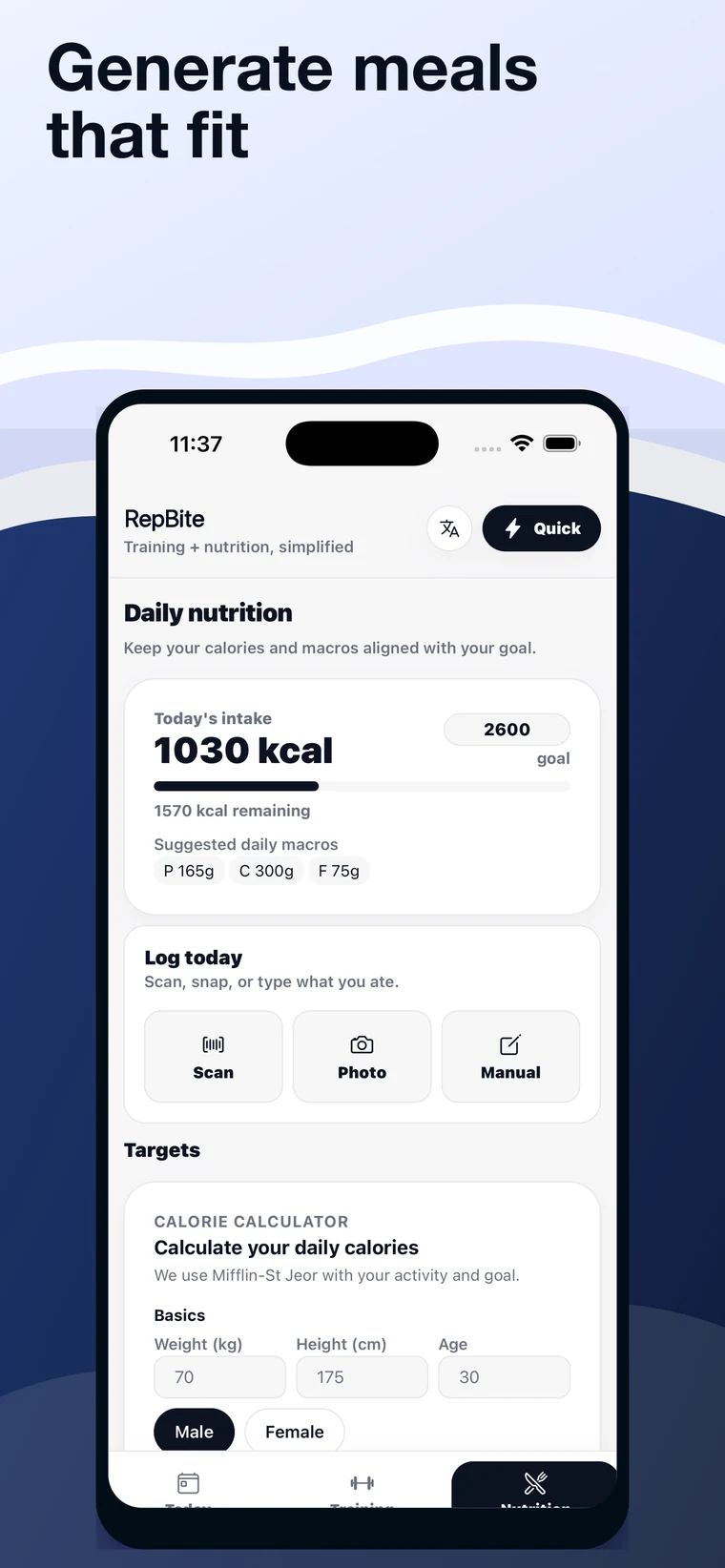
Use targets as a planning reference for the day. RepBite can help organize intake information, while professional advice still comes from qualified experts.
Ask for meal ideas that fit the target context, then adapt them to what you actually want to eat and what you have available.
Use barcode lookup and photo-assisted logging to reduce manual entry where possible, then review the full-day picture.
Benefits
Clearer planning, fewer app switches, and a better view of what still needs attention today.
Keep workout plans, meal ideas, macros, and food logging in one flow instead of spreading the day across separate apps.
See the relationship between training and nutrition decisions, so the plan feels connected instead of fragmented.
Review the full day and understand what was planned, what was logged, and what still needs attention.
Important context
RepBite helps organize training and food-tracking decisions. It is not a medical service, and users should follow qualified professional advice where needed.
Next step
Open the official App Store listing to download the app and review current availability.